
Cisco IP Phone 8800 Series – Business VoIP Desk Phone
Upgrade your business communication setup with the Cisco IP Phone 8800 Series, a professional IP desk phone designed for reliable Voice over IP (VoIP) communication in modern offices and business environments.
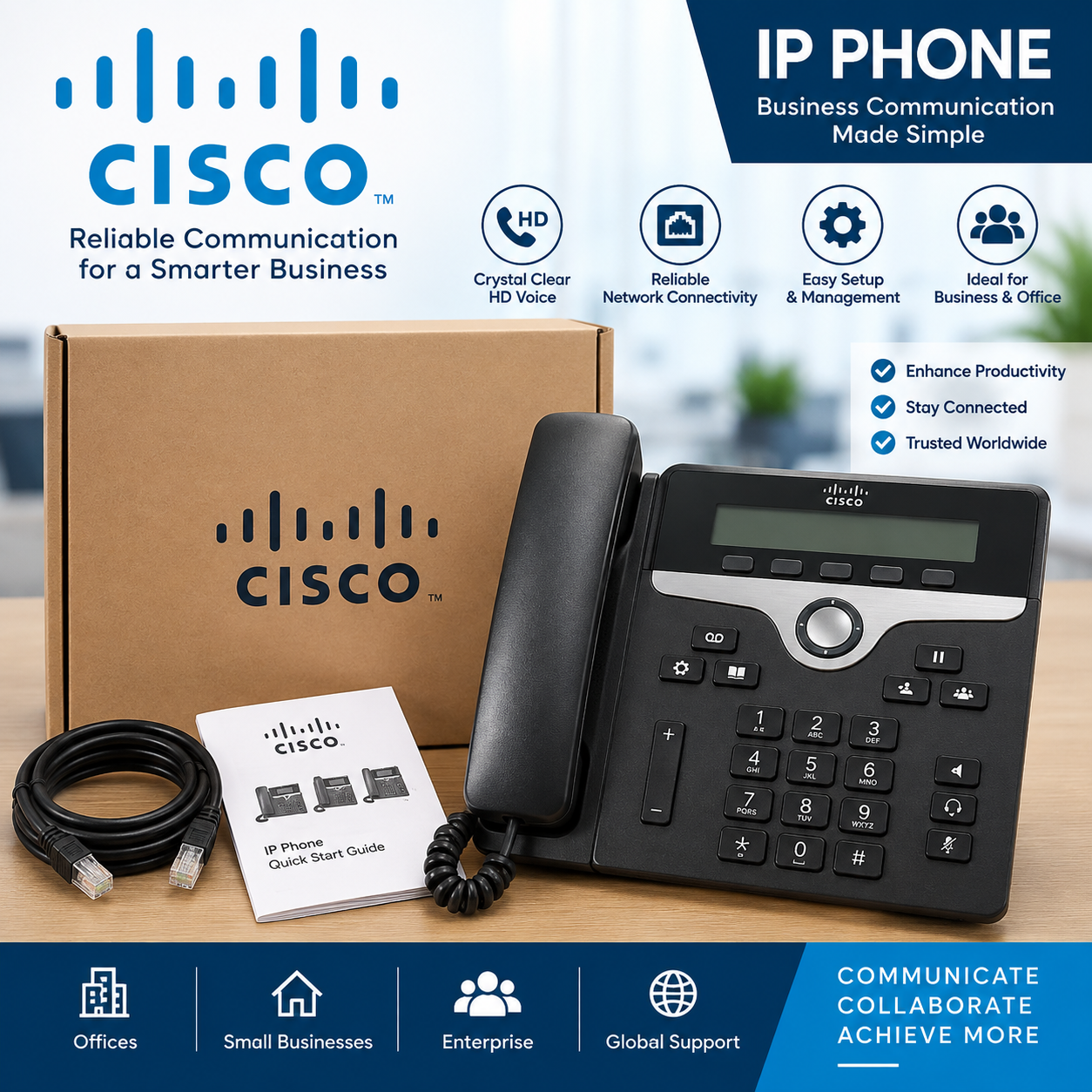
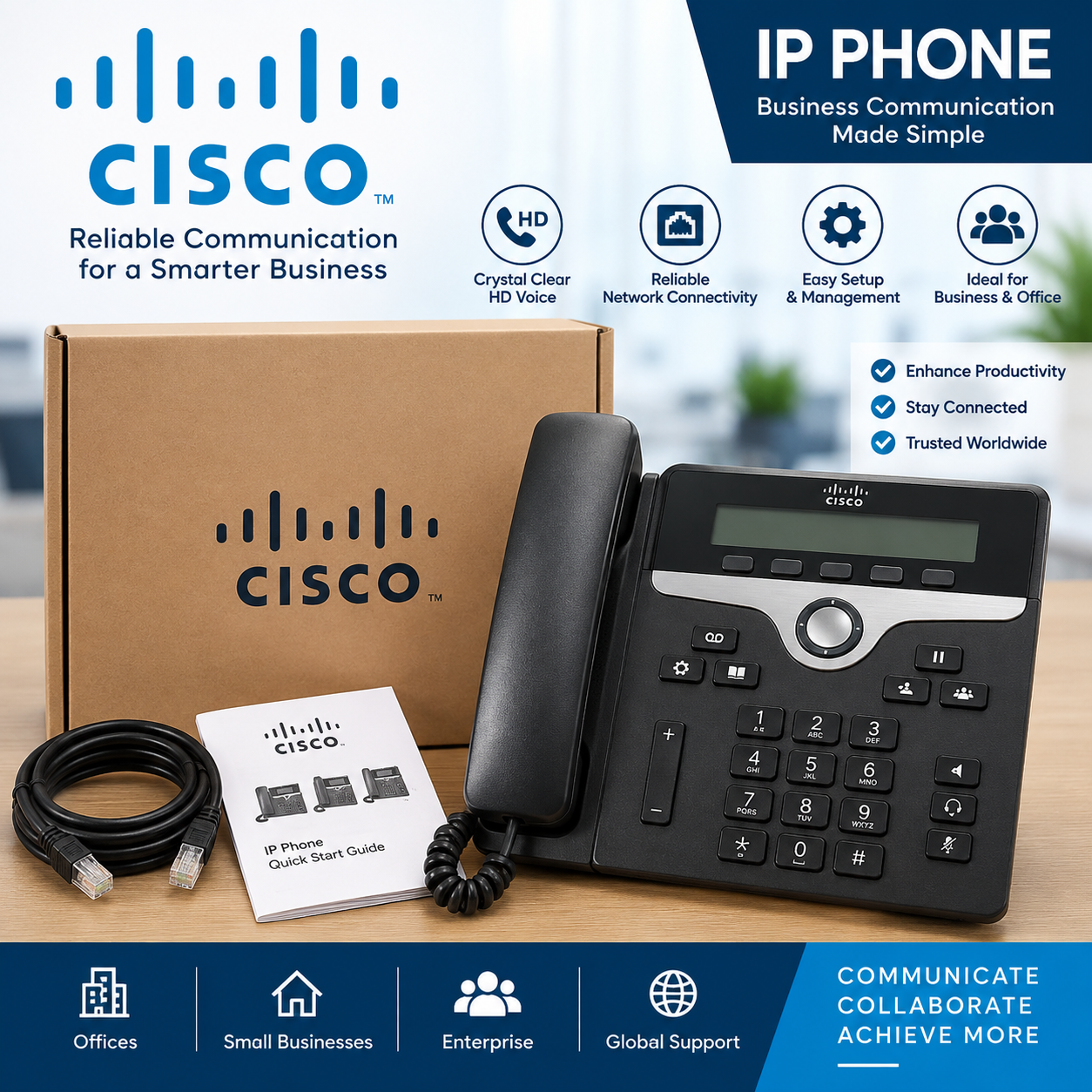
The phone combines a professional desktop design with dedicated call-management controls, programmable line/feature keys, navigation controls, speakerphone, headset and mute functions. Cisco’s 8800 Series is designed for high-quality, secure voice communications and can be deployed with compatible Cisco and third-party call-control platforms, depending on the specific model and firmware.
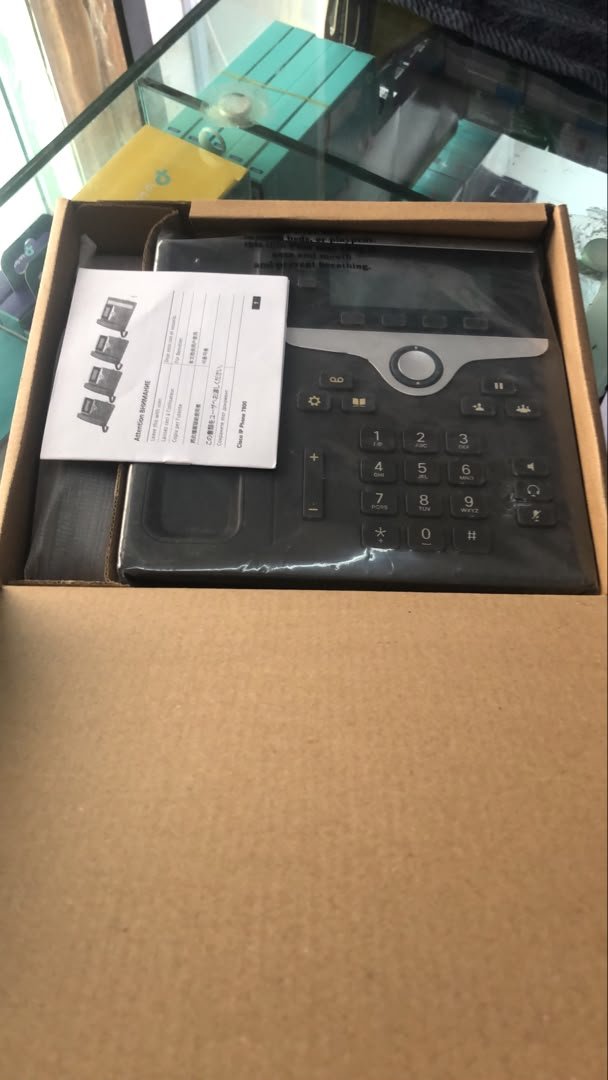
> Important: The photos you provided show a Cisco 8800-series-style phone, but the exact model number is not clearly visible. Cisco has several visually similar models, including the 8811, 8841, 8845, 8851 and 8861. The exact model should be confirmed from the label on the underside/back of the phone before publishing model-specific specifications such as Wi-Fi, Bluetooth, USB ports or display type.
—
⭐ Key Features
☎️ Professional VoIP Communication
The Cisco IP Phone 8800 Series is designed for business voice communication over an IP network. It connects to a network and is configured to work with a compatible call-control system.
This makes it suitable for organizations that use IP telephony rather than traditional analog telephone systems.
🎙️ High-Quality Wideband Audio
Compatible 8800 Series models provide wideband audio and technologies such as acoustic echo cancellation, noise reduction, automatic gain control and silence suppression to support clear business conversations.
🖥️ Business-Friendly Display
Cisco 8800 Series phones provide a display and softkey interface for accessing phone functions, menus, call information and other communication features. Display type varies by model; for example, Cisco lists the 8841 with a five-inch widescreen color display, while other 8800 models have different display configurations.
🔢 Dedicated Numeric Keypad
The full telephone keypad makes dialing straightforward, while dedicated control buttons provide quick access to commonly used calling functions.
🎛️ Navigation & Function Controls
The phone includes a central navigation/select control together with dedicated buttons for functions such as:
Hold
Transfer
Conference
Messaging
Applications
Directory
Speakerphone
Headset
Mute
Volume control
Exact functions depend on the model and configured call-control system.
🔗 Network Connectivity
The Cisco 8800 Series is designed to operate over an Ethernet network. Many models include an integrated Ethernet switch, which can help reduce cabling requirements at the desktop.
🔐 Secure Business Communication
Cisco describes the 8800 Series as supporting highly secure voice communications. Security capabilities and available features depend on the specific model, firmware and call-control platform.
—
Ideal For
🏢 Corporate Offices
Deploy professional IP phones for employees, reception desks, managers and customer-service teams.
💼 Small & Medium Businesses
Create a structured business telephone system using compatible VoIP infrastructure.
🏨 Hotels & Hospitality
Suitable for organizations that use IP-based communication systems for staff and internal communications.
🏥 Institutions
Useful for offices and departments within organizations requiring centrally managed voice communication.
📞 Call Centres & Customer Service
Dedicated calling controls and programmable functions make compatible Cisco 8800 models suitable for business communication environments.
—
Product Specifications
Specification Details
Brand Cisco
Product Family Cisco IP Phone 8800 Series
Product Type Business IP / VoIP Desk Phone
Network Ethernet / IP
Audio Wideband audio on supported models
Display Model-dependent
Line/Feature Keys Model-dependent; up to 5 on several 8800 models
Soft Keys Yes
Navigation Navigation/select cluster
Speakerphone Yes
Headset Support Yes
Mute Function Yes
Volume Control Yes
Conference Supported
Hold Supported
Transfer Supported
Directory Supported
Messaging Supported
Ethernet Switch Available on supported models
PoE Available on supported models
Wi-Fi Model-dependent
Bluetooth Model-dependent
USB Model-dependent
Wall Mounting Supported on 8800 models
Call Control Cisco / compatible platforms depending on model and firmware
Cisco’s official comparison shows that features such as Gigabit Ethernet, USB, Wi-Fi, Bluetooth and Cisco Intelligent Proximity vary across the 8800 Series models.
—
Cisco 8800 Series Model Differences
If you’re listing this product on your website, this table can help prevent customers from assuming features that may not apply to their particular model:
Model Display Wi-Fi Bluetooth USB
8811 Grayscale No No No
8841 Color No No No
8845 Color No Yes No
8851 Color No Yes 1
8861 Color Yes Yes 2
8865 Color Yes Yes 2
Cisco’s current documentation lists these differences across the 8800 family.
For your particular stock, I recommend using the exact model number printed on the underside/back label as the product title rather than simply advertising features from another 8800-series model.
—
Main Business Calling Features
Depending on the specific model, firmware and call-control system, Cisco 8800 Series phones can support features such as:
Caller ID
Call waiting
Call forwarding
Call transfer
Conference calling
Call history
Speed dialing
Corporate directory
Personal directory
Hold
Redial
Voice mail
Message waiting indicator
Shared lines
Intercom
Call pickup
Busy Lamp Field
Do-not-disturb/privacy features
Extension mobility
Music on hold
Cisco notes that available functions can depend on the call-control system and administrator configuration.
—
Easy Desktop Deployment
The Cisco 8800 Series is designed for professional desk environments. A typical deployment requires:
1. Connect the phone to the network.
2. Provide power through compatible PoE or an appropriate power source.
3. Configure the phone with the organization’s call-control system.
4. Assign the required extension and calling features.
5. Begin making and receiving VoIP calls.
Cisco states that the phone needs to be connected to a network and configured with a compatible call-control system before it can be used for calls.
—
Benefits at a Glance
✅ Professional Cisco IP phone design
✅ Designed for business VoIP communication
✅ High-quality voice capabilities
✅ Dedicated numeric keypad
✅ Speakerphone functionality
✅ Headset support
✅ Mute and volume controls
✅ Call hold and transfer
✅ Conference calling
✅ Directory and messaging functions
✅ Programmable features on supported models
✅ Ethernet network connectivity
✅ Suitable for office and enterprise environments
✅ Wall-mounting capability on supported models
—
What’s Included?
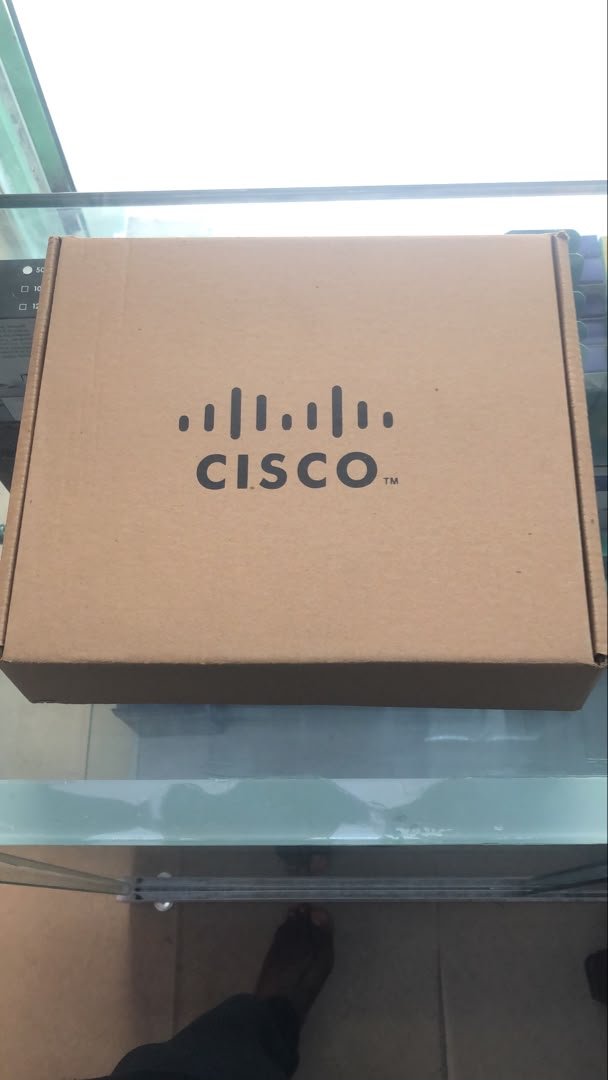
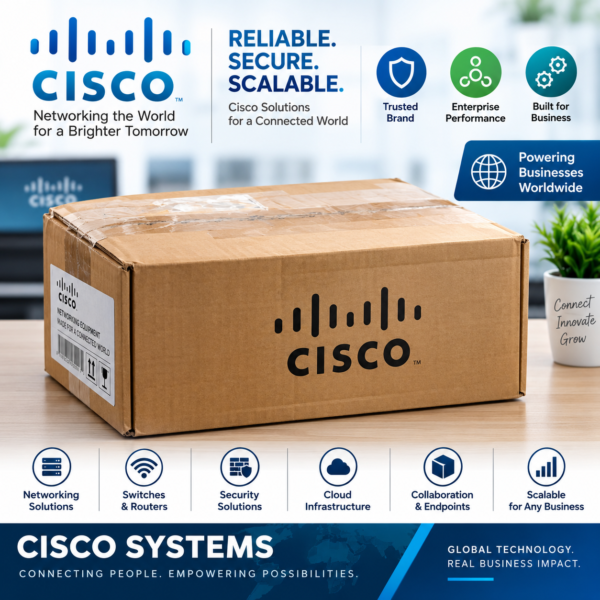
Based on the package and photographs you provided, the product package contains the Cisco IP Phone unit and documentation.
Cisco documentation for 8800-series packages identifies typical components such as the phone, handset, handset cord, phone stand and Ethernet cable, although exact package contents can vary by model and sales configuration.
Recommended listing:
1 × Cisco IP Phone
1 × Handset
1 × Handset Cord
1 × Phone Stand
Documentation
Ethernet cable*
*Confirm the actual contents of your particular box before publishing the final package list.
—
Important Compatibility Information
This is an IP/VoIP telephone, not a conventional analog telephone.
Before purchasing, customers should confirm that their intended telephone system supports the particular Cisco phone model and firmware.
Compatibility can depend on:
Exact Cisco model
Firmware version
Cisco Unified Communications Manager
Multiplatform/MPP firmware
Third-party SIP/VoIP platform
Network configuration
Licensing requirements
Power method
Cisco specifically notes that some 8800 models require appropriate licensing when used with Cisco Unified Communications Manager.



Reviews
There are no reviews yet.